Free No subscription. No catch.
Your camera roll,
distilled.
Distill clears out photos and videos fast: swipe right to keep, left to send to the trash. Nothing is deleted without you confirming it, and there's no premium tier hiding behind a paywall.
How it works
Three swipes. Zero friction.
01
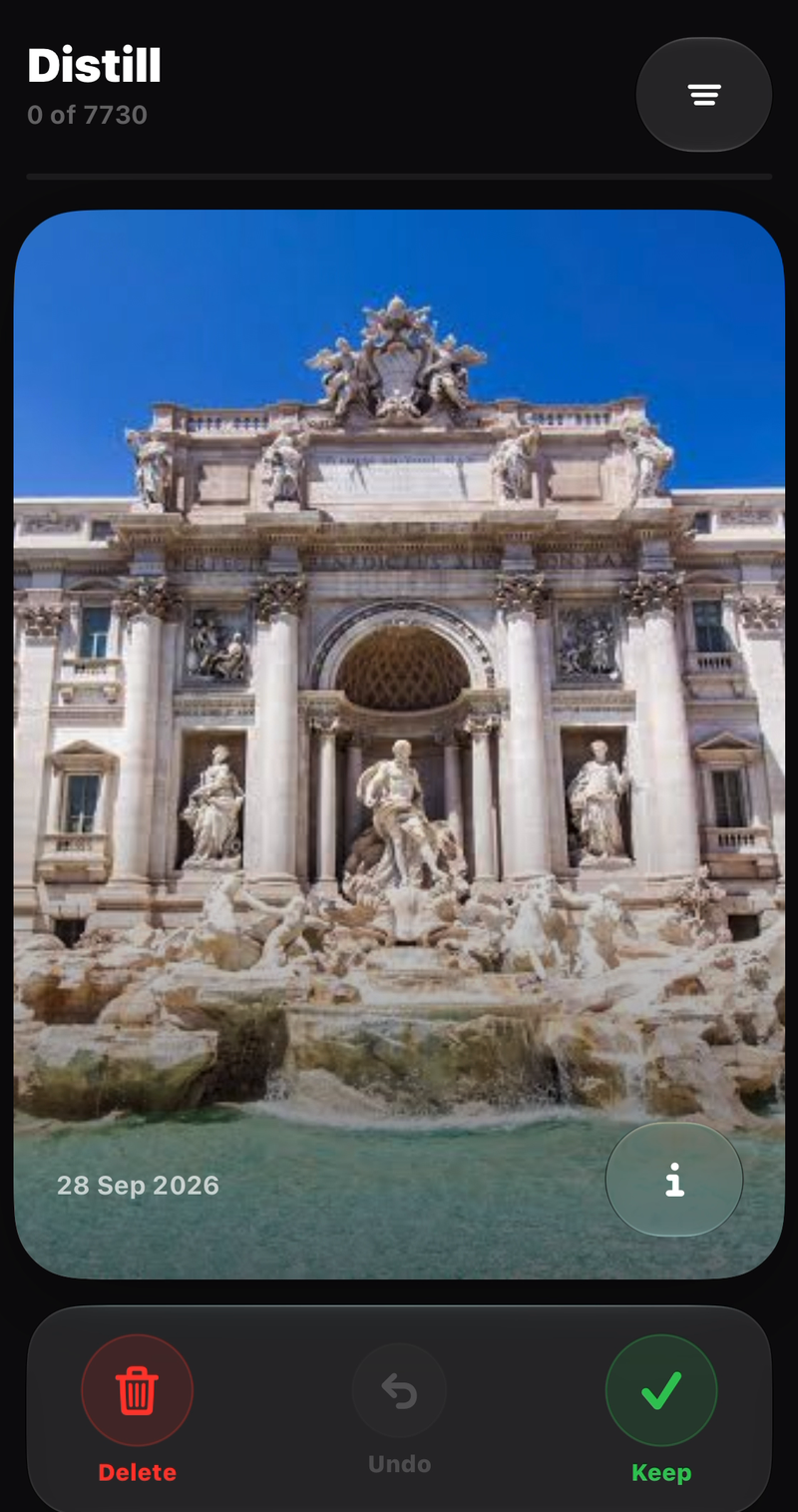
Swipe through your library
Distill shows one photo or video at a time from your camera roll. Swipe right to keep it, left to send it to the trash, as fast as you can flick your thumb.
02
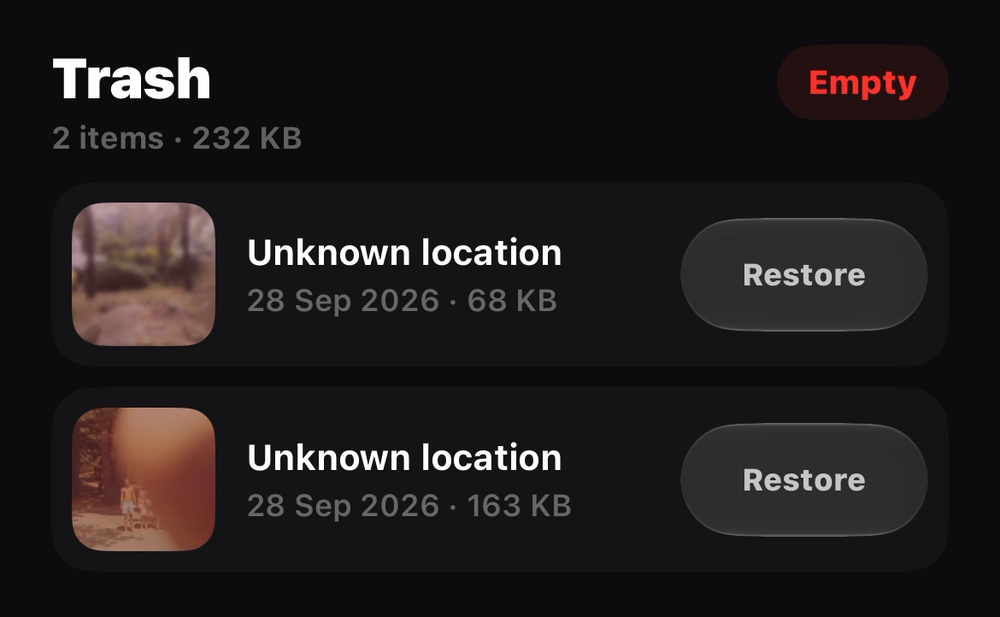
Review before it's gone
Everything you swipe left waits in Trash, not the void. Change your mind on anything, any time, before you empty it for good.
03
Watch the space add up
Empty the trash and Distill tells you exactly how much storage you got back. No subscription unlocked it, and that was the whole point.
Why it's free
No paywall. Not now, not later.
I'd used one too many "cleanup" apps that gate the one thing you actually opened them for behind a subscription. Distill doesn't. That's not a launch discount. It's the design.
Built for big libraries
Thousands of photos and videos load and cache smoothly straight from the Photos framework, so reviewing your entire library doesn't mean waiting on it.
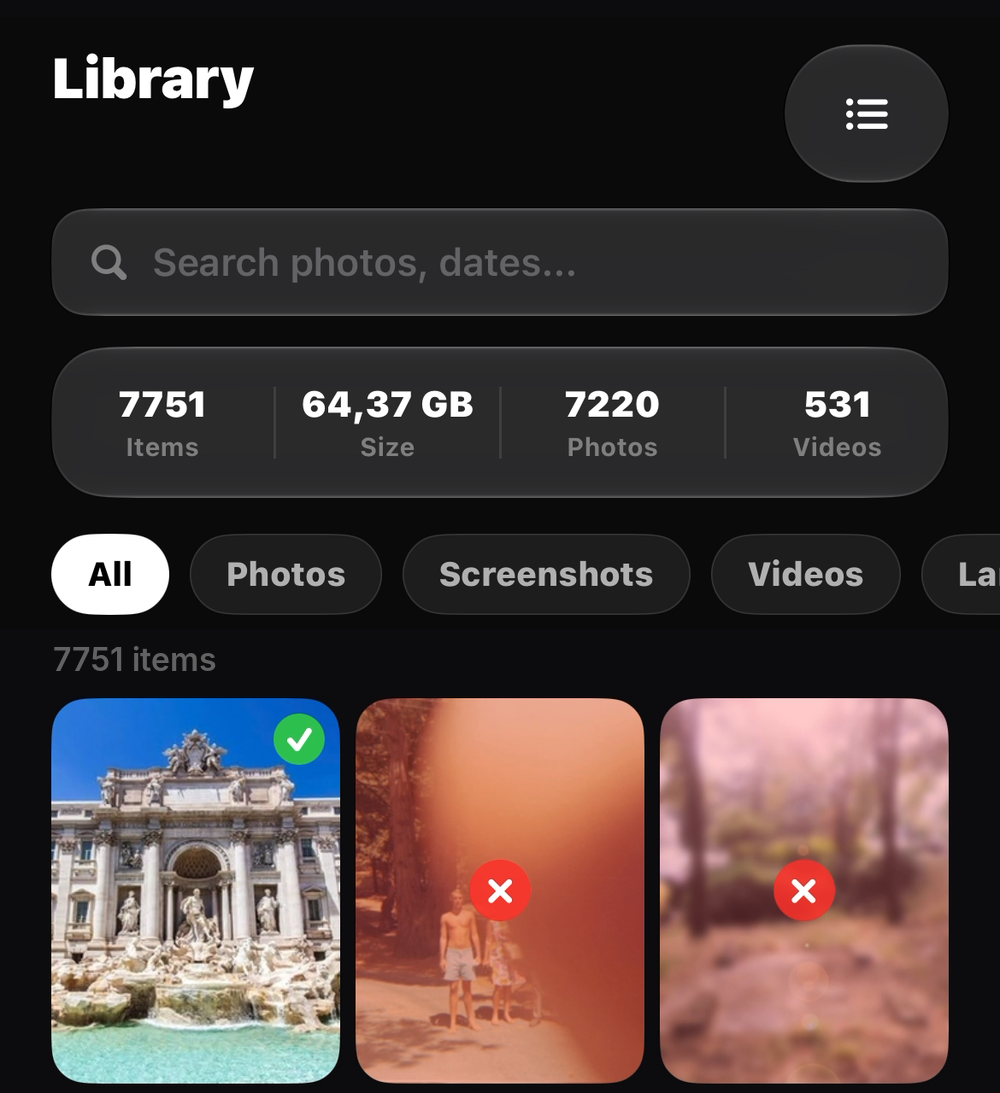
Filter what you distill
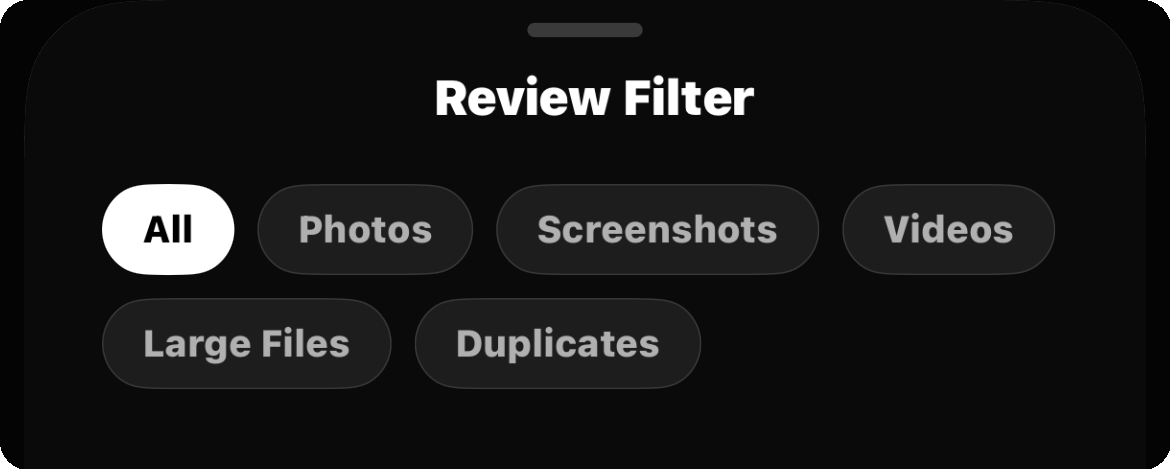
Review everything, or jump straight to Photos, Videos, Screenshots, even Large Files and Duplicates. See exactly what you came to clean up, nothing else.
As easy as your favorite dating app
Swipe right to keep, left to trash: the same gesture you already know. The only difference: here, it's always a match.
On-device, always
Your library never leaves your phone. There's nothing to upload and nothing to sync. Distill only ever talks to the Photos app.
Behind Distill
A personal project, not a portfolio filler.
I built Distill because I was tired of downloading yet another "clean up your camera roll" app only to hit a subscription wall the moment I tried to actually use it. So this one doesn't have one: every gesture, every filter, every feature is free, permanently.
Past the frustration, it became a project for my own growth: a place to sharpen graphic design applied to code (the card stack, the swipe physics, the dark interface that gets out of the way), all built in SwiftUI. A good chunk of the work went into performance: loading and caching large quantities of media straight from the Photos library without the UI ever stuttering, even with a camera roll in the thousands.
Samuel Adorni
Designer and developer of Distill
Questions
Good to know.
Is Distill really free?+
Completely. No subscription, no in-app purchase, no feature held back. That was the reason I started building it.
Does it delete anything without asking?+
No. A left swipe moves a photo or video to Distill's own Trash. Nothing leaves your library until you review the trash and confirm.
Photos and videos both?+
Yes. Distill mixes both into the same review stack, with filters if you'd rather go through one type at a time.
Is my media ever uploaded anywhere?+
No. Everything happens on-device through Apple's Photos framework. Distill has no server and nothing to sync.